
시작하기 / 엔진 기초
표지
Dorian에서는 어떤 표지가 효과적인가요? 제 표지는 어떻게 업로드하나요?
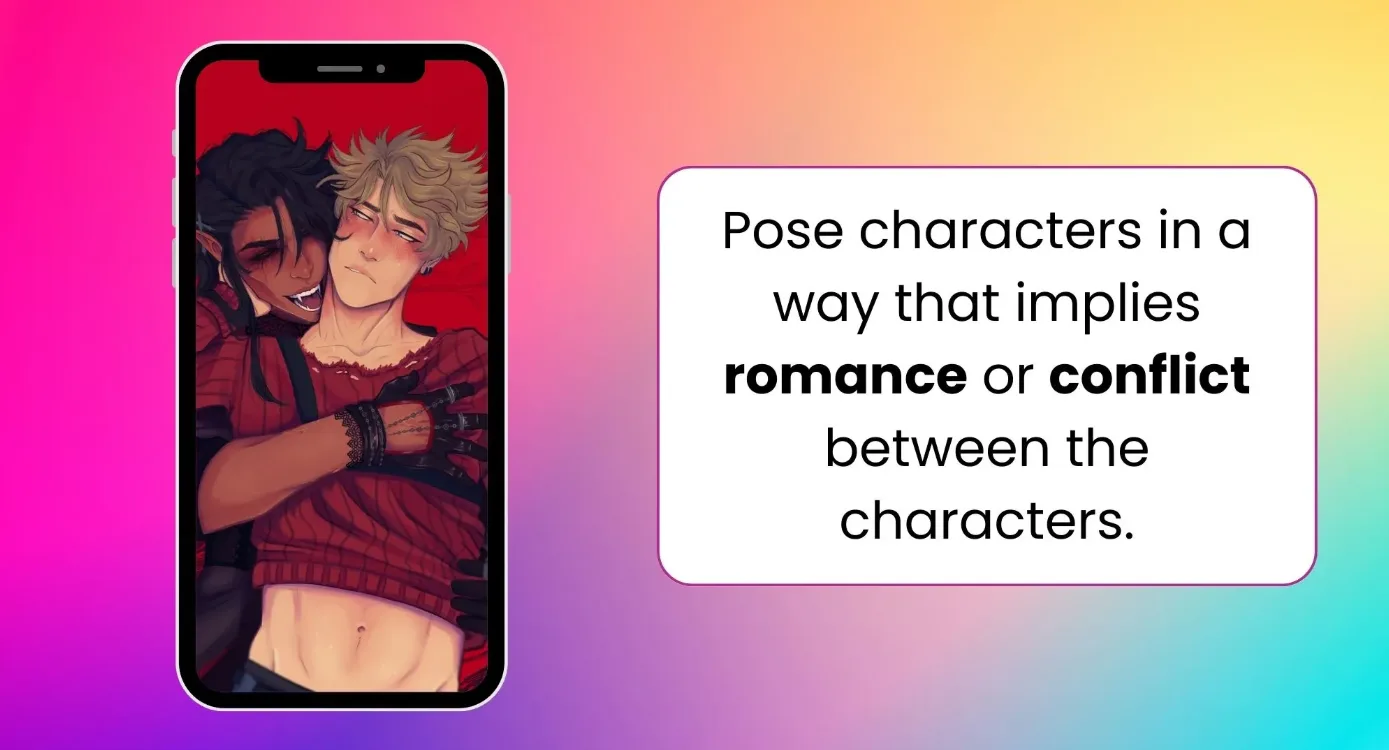
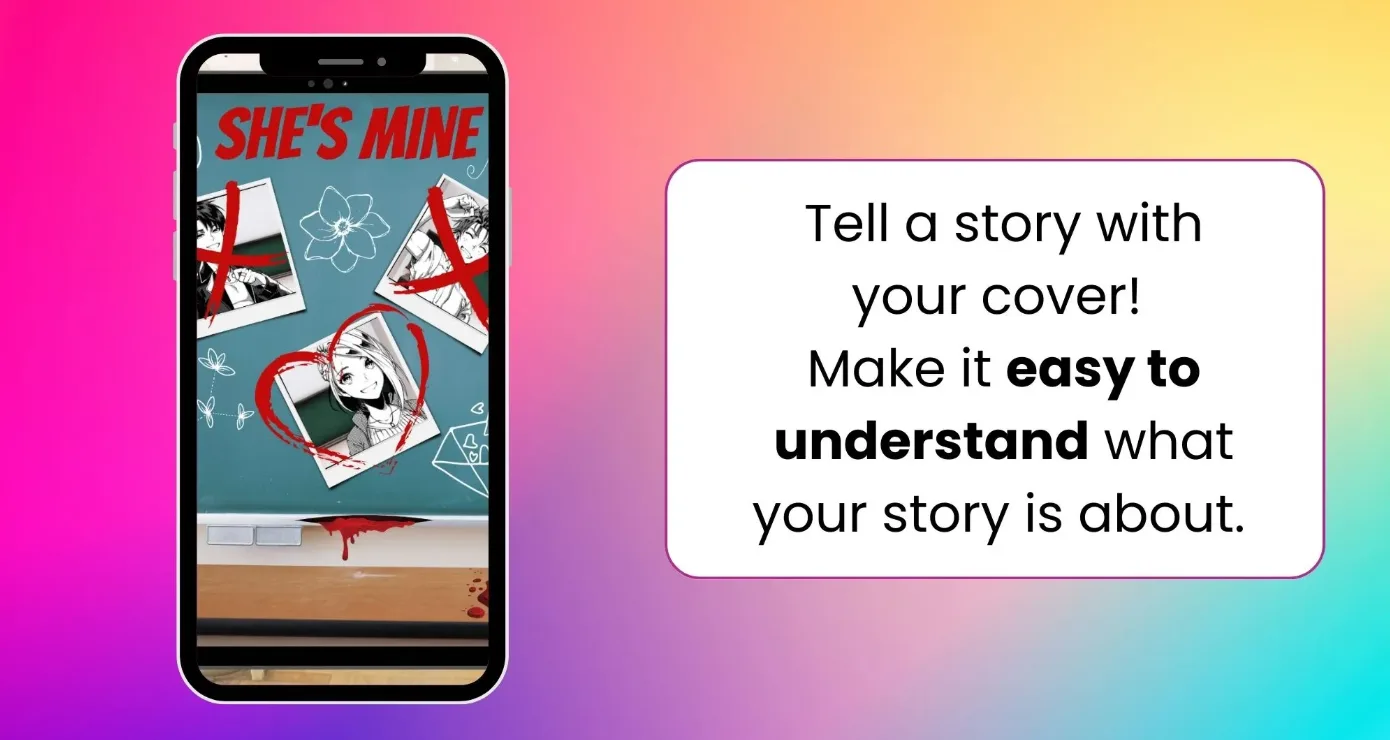
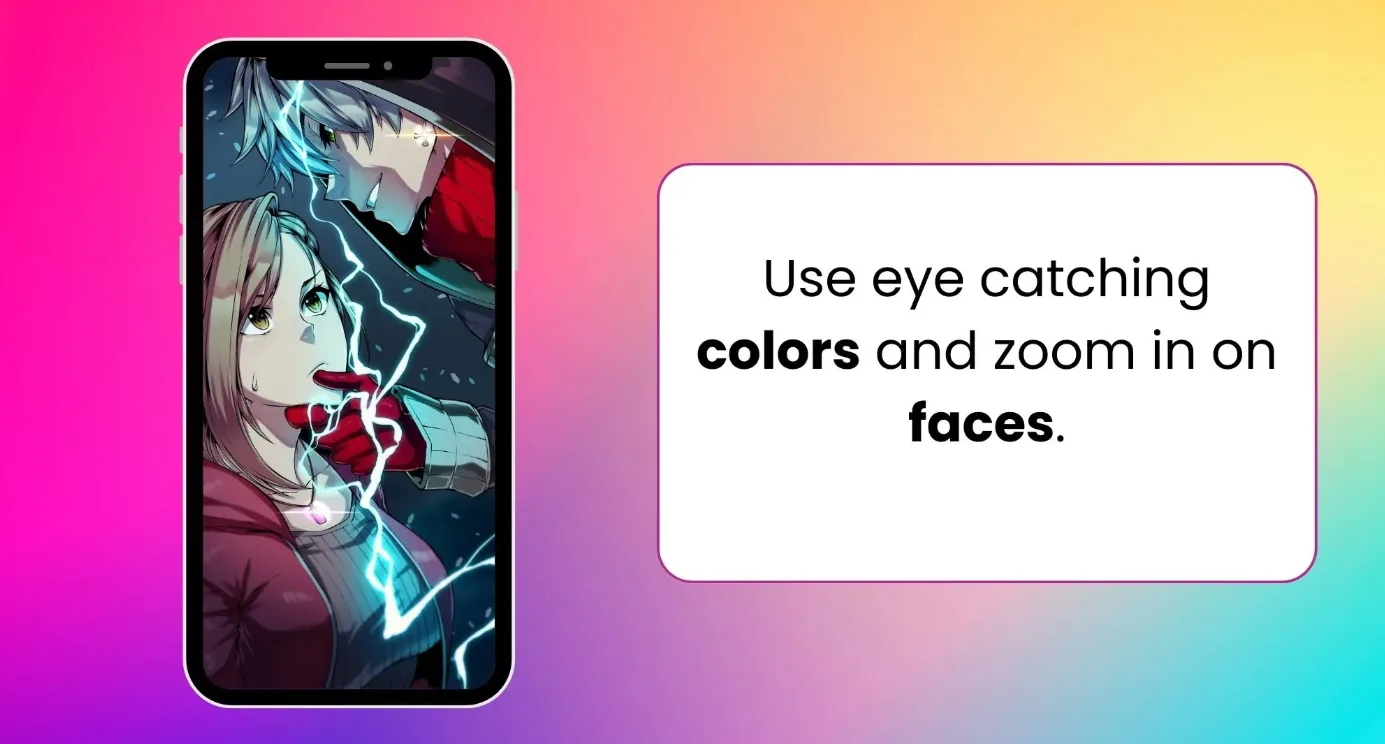
커버는 얼마나 많은 사람이 게임을 플레이할지 좌우해요! 시선을 사로잡는 선명한 대비를 사용하고, 캐릭터의 얼굴을 강조하며, 텍스트는 넣지 마세요.
커버 팁
- 시선을 사로잡는 선명한 대비를 사용하세요.
- 캐릭터의 얼굴을 강조하세요.
- 텍스트를 넣지 마세요.
업로드 방법
에디터에서 게임 내부로 이동하되 에피소드 안으로 들어가지는 마세요. 왼쪽에서 주황색 “Cover Art”(커버 아트) 버튼을 찾으세요. 현재 커버가 있다면 확인할 수 있고, 크기를 클릭해 다운로드하거나 “New Cover”(새 커버)를 클릭해 새 커버를 업로드할 수 있어요. 새 커버를 업로드하면 기존 커버가 완전히 교체됩니다. 2810 x 4000 크기의 JPG 파일을 사용하세요.
다음 단계는 무엇인가요?
- “Characters”(캐릭터)를 업로드했나요?
- “Background Locations”(배경 로케이션)를 설정했나요?
- “Memories”(메모리)를 설정하세요.
- “Text Importer”(텍스트 가져오기)를 통해 스크립트를 가져오는 것도 고려해 보세요.